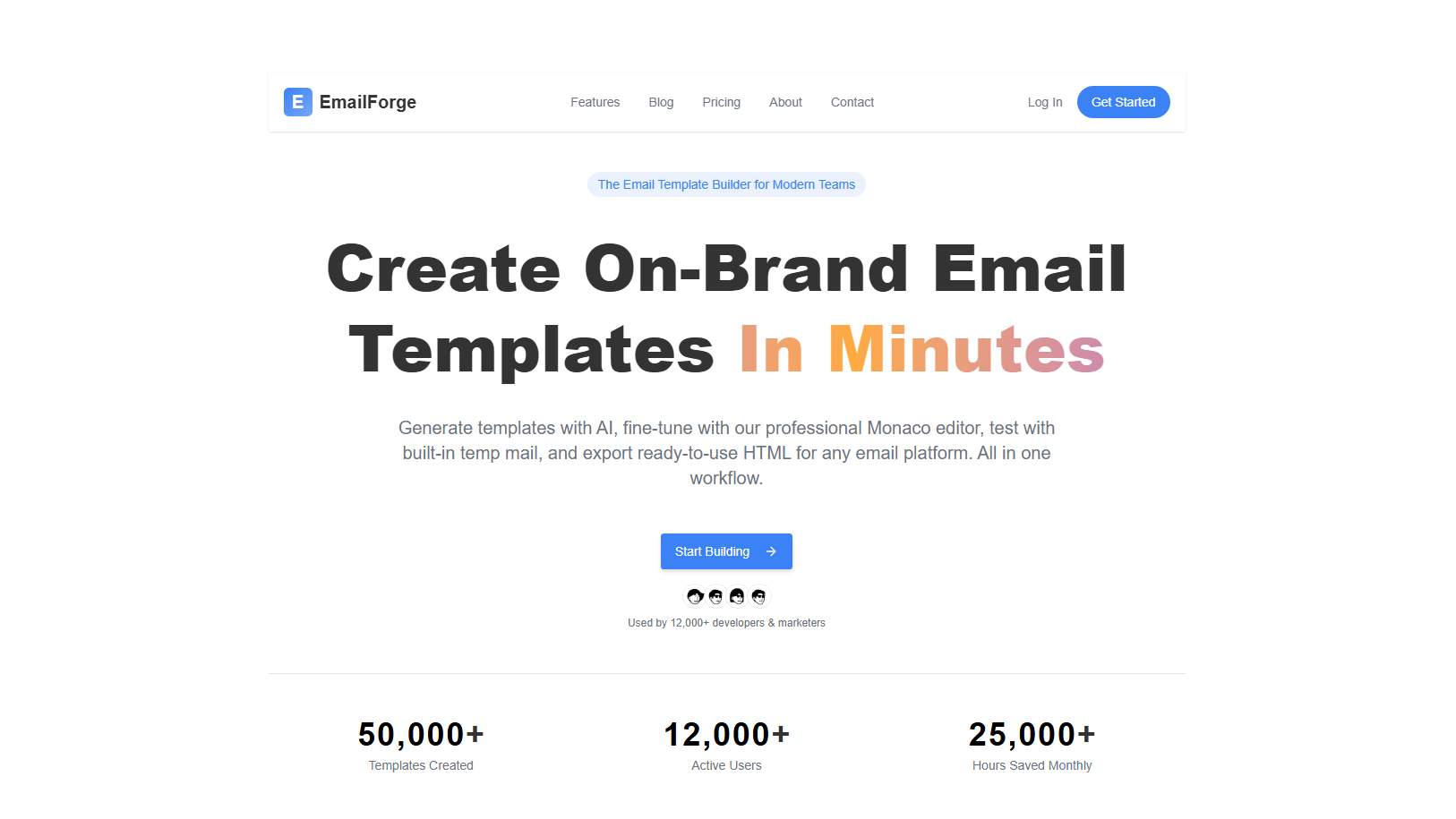
Email Forge: Email Template Builder
Email Forge is a comprehensive SaaS platform for creating responsive email templates. Designed for marketers and developers, it provides an intuitive email builder with pre-designed templates, AI-powered content generation, and seamless integration with your marketing workflow.
Overview
Email Forge simplifies the process of creating professional email templates for marketing campaigns and newsletters. The platform combines an easy-to-use drag-and-drop builder with powerful customization options, allowing users to create pixel-perfect emails without writing a single line of code. With built-in AI generation, pre-designed templates, and cloud storage, Email Forge is the complete solution for email marketing.
Features
- User Authentication: Secure user registration, login, and profile management with email verification
- Email Template Builder:
- Intuitive drag-and-drop email template builder
- HTML editor for advanced customization
- Pre-designed email templates for various industries and use cases
- Customizable sections including headers, images, text, buttons, and layouts
- Responsive design that works on mobile and desktop
- Real-time preview and testing capabilities
- AI Generation: Generate email content and subject lines from text prompts
- Storage Management: Upload, store, and manage email templates and assets
- Responsive Design: All templates adapt seamlessly to different screen sizes and devices
Tech Stack
- Framework: Next.js - Full-stack React framework with App Router
- Backend: Next.js API Routes for server-side logic
- Styling: Tailwind CSS - Utility-first CSS framework
- UI Components: shadcn/ui - High-quality React component library
- Authentication: BetterAuth - Modern authentication solution
- Database: PostgreSQL - Reliable relational database
- ORM: Drizzle ORM - Type-safe database operations
- Language: TypeScript - For type safety across the application
Getting Started
Prerequisites
- Node.js (v16 or higher)
- npm, yarn, or pnpm package manager
- PostgreSQL database
Installation
-
Clone the repository:
Terminal window git clone https://github.com/Abdulkareemoj/email-builder.gitcd email-builder -
Install dependencies:
Terminal window npm install -
Set up environment variables:
Terminal window cp .env.example .env.local# Edit .env.local with your database and authentication credentials -
Start the development server:
Terminal window npm run dev -
Open
http://localhost:3000in your browser