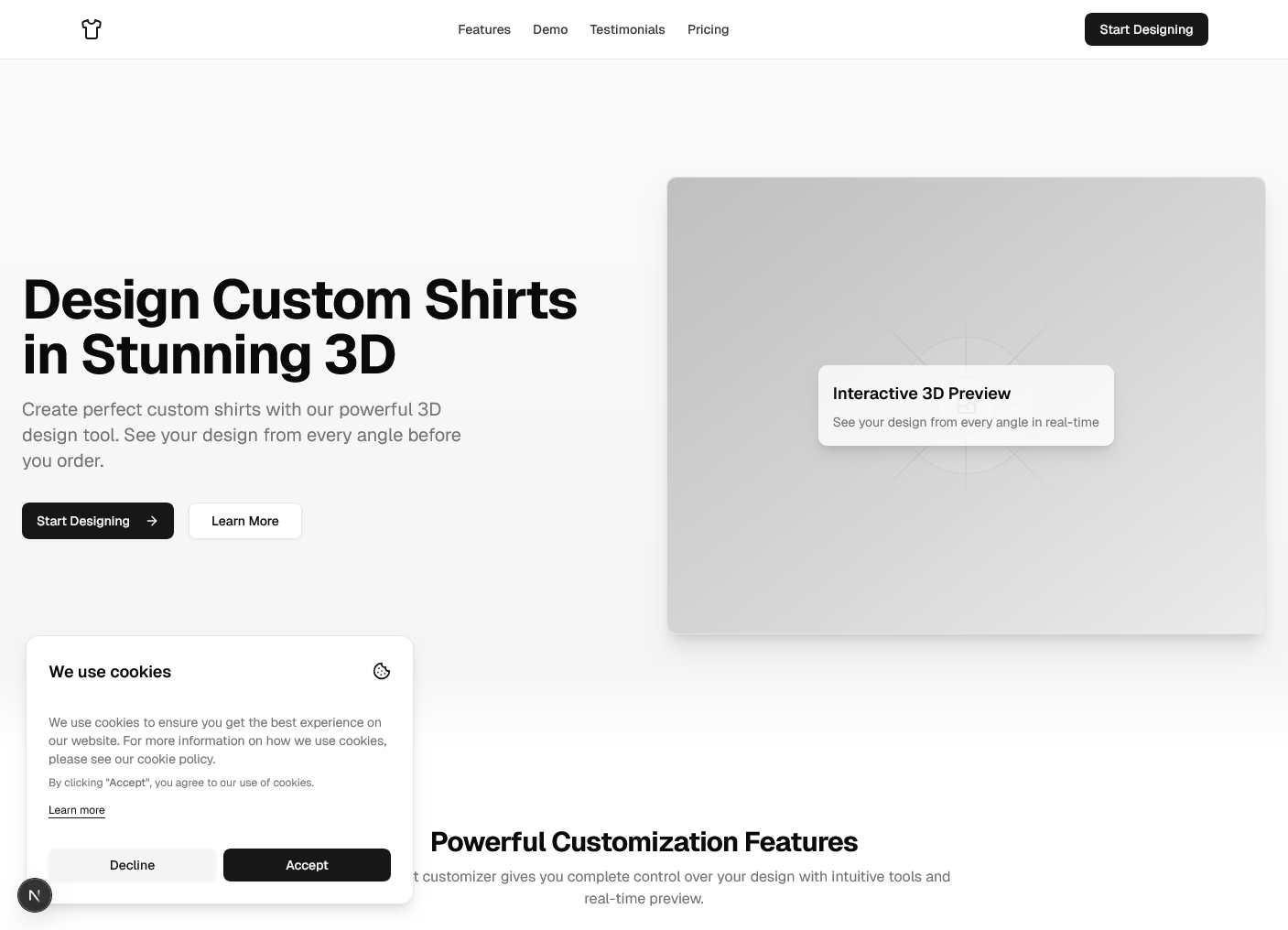
onashirt - 3D T-Shirt Customizer
A full-stack web application that brings customization to life with an interactive 3D t-shirt editor. Users can design custom t-shirts with real-time visualization, save their designs, and manage their profile—all with a modern, responsive interface.
Overview
onashirt is a cutting-edge e-commerce platform that combines 3D visualization with web technology. Built with Next.js and Three.js, it allows users to customize t-shirt designs in real-time, providing an immersive shopping and design experience. The application includes user authentication, a design dashboard, and an admin panel for managing products and user content.
Features
- 3D Shirt Customizer: Interactive 3D t-shirt customizer powered by React Three Fiber and Three.js for realistic visualization
- Real-time Customization: Change colors, apply textures, and add custom designs with instant visual feedback
- User Authentication: Secure registration and login with session management
- Design Dashboard: View, organize, and manage saved t-shirt designs
- Admin Area: Administrative interface for managing products, users, and orders
- Data Persistence: PostgreSQL database with Drizzle ORM for reliable data storage
- Accessible UI: Built with Radix UI and shadcn/ui for consistent and inclusive design
Tech Stack
- Framework: Next.js - React framework for production applications
- 3D Rendering: React Three Fiber - React renderer for Three.js
- 3D Library: Three.js - JavaScript 3D library
- Authentication: NextAuth.js - Authentication for Next.js
- Database: PostgreSQL - Reliable relational database
- ORM: Drizzle ORM - Type-safe database operations
- UI Components: shadcn/ui and Radix UI - High-quality React components
- Styling: Tailwind CSS - Utility-first CSS framework
- Code Quality: Biome - Fast linter and formatter
- Package Manager: pnpm - Efficient package management
Getting Started
Prerequisites
- Node.js (v16 or higher)
- pnpm package manager
- PostgreSQL database
Installation
-
Clone the repository:
Terminal window git clone https://github.com/Abdulkareemoj/shirt.gitcd shirt -
Install dependencies:
Terminal window pnpm install -
Set up environment variables:
Terminal window cp .env.example .env.local -
Start the development server:
Terminal window pnpm dev -
Open
http://localhost:3000in your browser