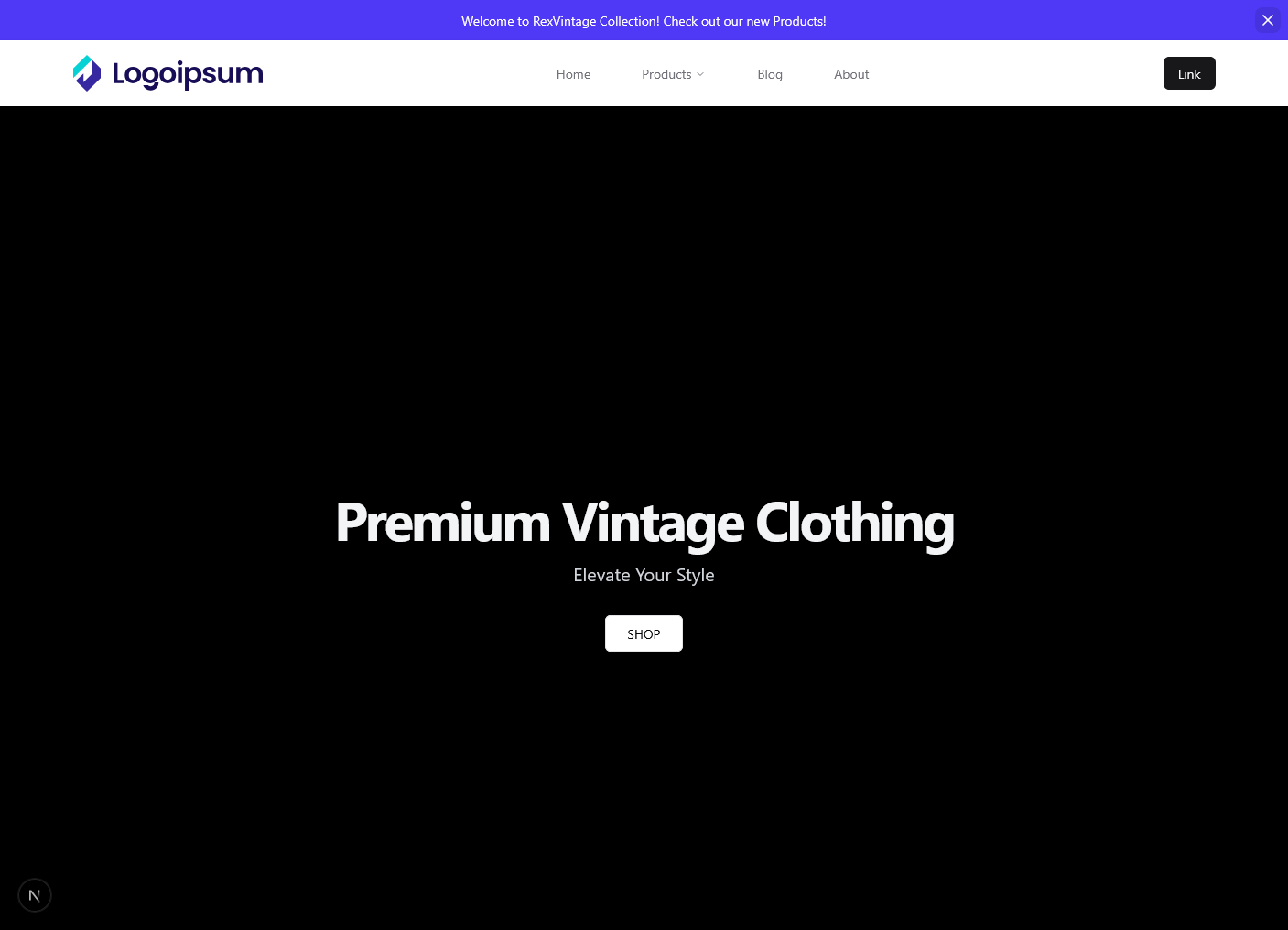
Next-Store: E-Commerce with Custom CMS
A fully functional e-commerce platform built with Next.js featuring a powerful custom Content Management System. Next-Store enables store owners to manage their product catalog while providing customers with a seamless shopping experience.
Overview
Next-Store is a complete e-commerce solution combining a modern storefront with an intuitive admin CMS. Built on Next.js, it leverages server-side rendering for optimal performance and SEO. The platform includes product management, shopping cart functionality, secure checkout, and comprehensive admin tools for managing your online store.
Features
Customer Features
- Product Catalog: Browse a comprehensive catalog of products with filtering and search
- Product Details: View detailed product information including images, descriptions, and pricing
- Shopping Cart: Add, remove, and manage products in the shopping cart
- Checkout Process: Secure and streamlined checkout with order confirmation
- Product Reviews: View customer reviews and ratings
- Wishlist: Save favorite products for later
- Responsive Design: Optimized for desktop, tablet, and mobile devices
Admin Features
- User Authentication: Secure admin login and session management
- Product Management:
- Create new product listings with details and images
- Update existing product information
- Delete products from the catalog
- Bulk product import/export
- Product categorization and tagging
- Image Management: Cloudinary integration for optimized image storage and delivery
- Inventory Management: Track product stock levels
- Order Management: View and manage customer orders
- Sales Analytics: Dashboard with key metrics and sales reports
- Customer Management: View customer information and order history
Technical Features
- SEO Optimized: Built with search engine optimization best practices
- Fast Performance: Server-side rendering and static generation for speed
- Real-time Data: SWR for efficient client-side data fetching and caching
- Image Optimization: Cloudinary integration for fast image delivery
Tech Stack
-
Frontend:
- Next.js - React framework with server-side rendering
- React - UI library
- Tailwind CSS - Utility-first styling
- SWR - React hooks for data fetching
-
Backend:
- Next.js API Routes for server-side logic
-
Database:
- PostgreSQL - Relational database
- Neon - Serverless PostgreSQL hosting
- Prisma - Type-safe ORM
-
Media:
- Cloudinary - Image and video management
-
Authentication:
- NextAuth.js or custom authentication solution
-
Language:
- TypeScript - Type-safe JavaScript
Getting Started
Prerequisites
- Node.js (v16 or higher)
- npm or pnpm package manager
- PostgreSQL database or Neon account
- Cloudinary account for image management
Installation
-
Clone the repository:
Terminal window git clone https://github.com/Abdulkareemoj/Next-Store.gitcd Next-Store -
Install dependencies:
Terminal window npm install -
Set up environment variables:
Terminal window cp .env.example .env.local# Add your database URL, Cloudinary credentials, and API keys -
Set up the database:
Terminal window npx prisma migrate dev -
Start the development server:
Terminal window npm run dev -
Open
http://localhost:3000in your browser
Admin Access
- Navigate to
/admin/login - Use default credentials (change immediately in production)
- Access the admin dashboard at
/admin
Deployment
Deploy to Vercel (recommended):
vercel deployThe application will automatically connect to your Neon PostgreSQL database and Cloudinary for image management.
Customization
- Styling: Modify Tailwind CSS configuration
- Products: Extend Prisma schema for additional product fields
- Checkout: Integrate payment gateway (Stripe, PayPal, etc.)
- Branding: Customize colors, logos, and store information
- Features: Add wishlists, reviews, subscriptions, etc.